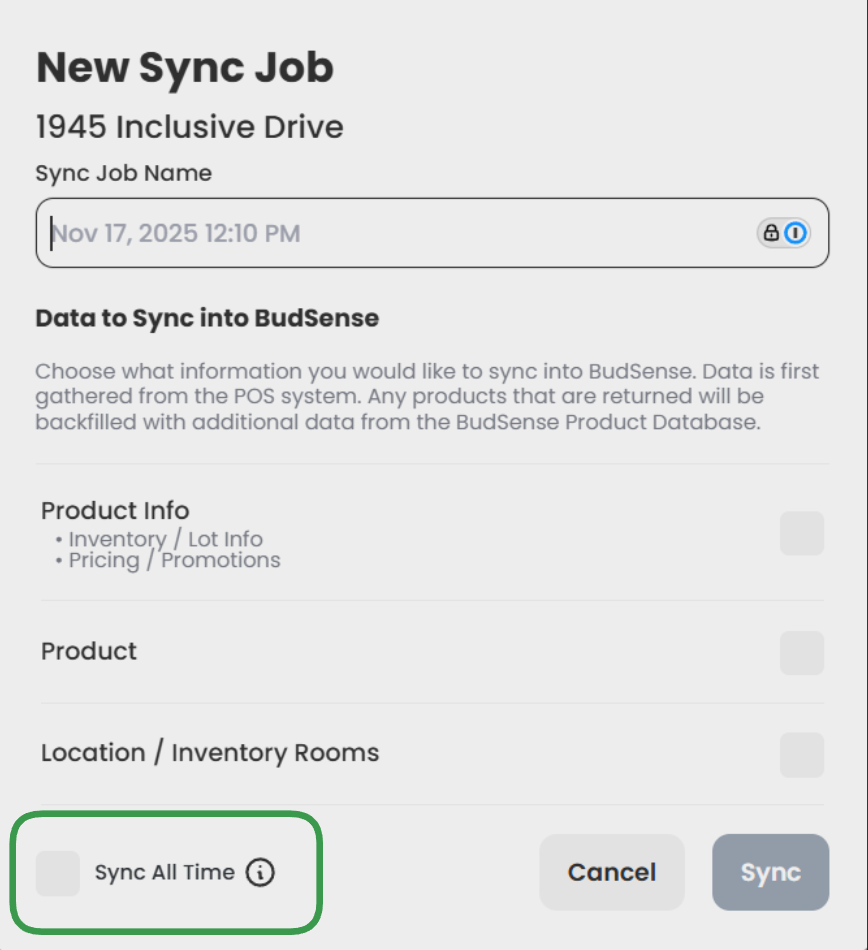
What is an all-time sync?
Note: This Article only applies to Accounts integrating via the following Point of Sale platforms: COVA, IndicaOnline, Greenline and GrowFlow.
Point of Sale platforms do not always return the correct information during our auto or manual syncs. All Time Syncs ask the Point of Sale for the most up-to-date information possible, however these syncs take longer than regular syncs and should only be used when necessary.
When completing a Manual Sync, if you select the 'Sync all Time' button in the bottom left corner of the New Sync Job modal, it will initiate an all-time sync. A full article on how to run an all-time sync can be found here.
If you notice that a product is still showing incorrect or outdated information after running an all-time sync, please open a Support Chat and our team would be happy to help investigate the issue further!
Settings > General > Integrations > Manual Sync