How To - Hide Products from Smart Filters
Hide Products from Smart Filters
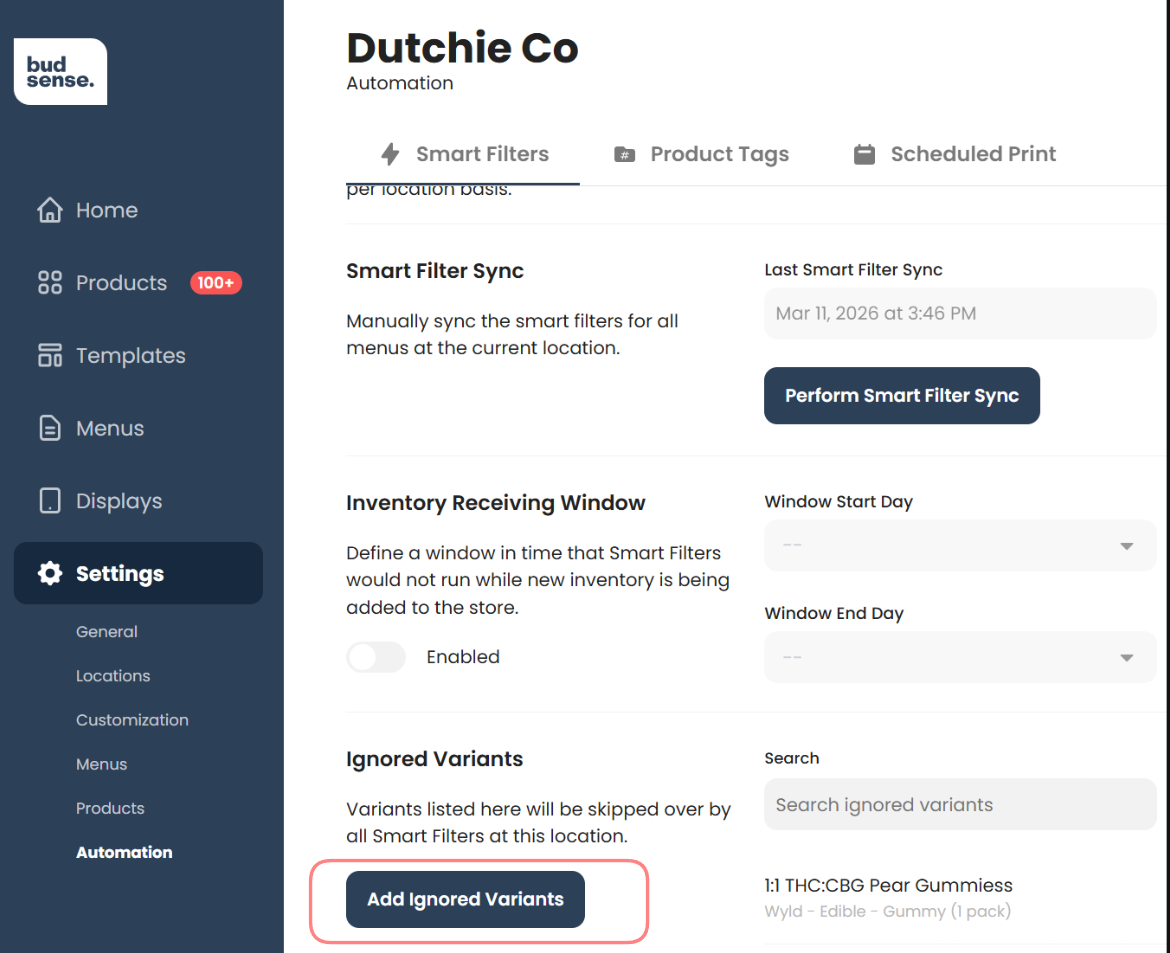
This video reviews how to hide products from Smart Filters in BudSense.
Settings > Automation > Smart Filters
In BudSense, products can be hidden from Smart Filters either globally using Ignored Variants, or on a filter-by-filter basis for Custom Smart Filters, giving you precise control over which products appear on which menus at any given time.