Can I easily update my Smart Filters on a given menu?
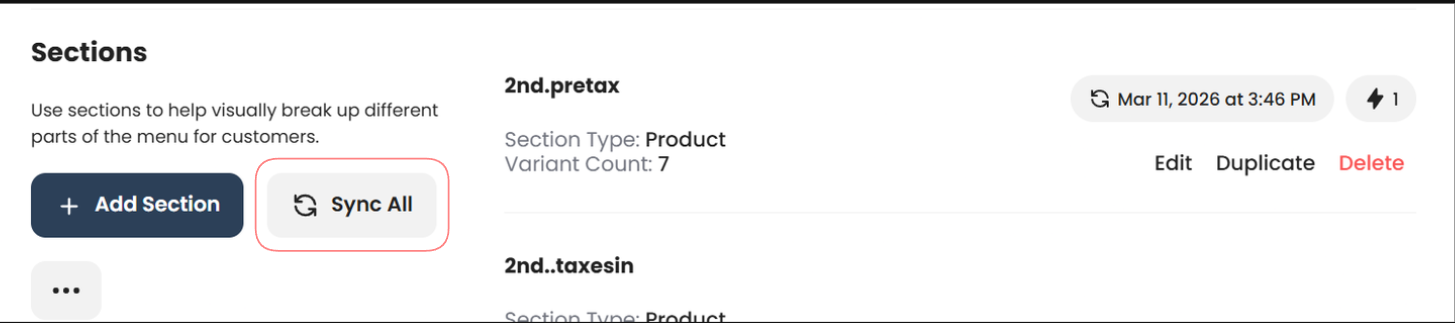
In BudSense, Smart Filters within any menu can be manually synced directly from that menu using the new Sync All button, giving you quicker access to updated product sections without having to navigate away from your menus.
When in any menu, select 'Sync All' under Sections to trigger a manual sync of every Smart Filter contained within that menu. This is a great way to quickly update your menu sections after making product changes or right before printing a menu.
A full article on syncing Smart Filters from within a menu can be found here