How To - Sync All Filters in Any Menu
Sync All Filters in Any Menu
This video reviews how to sync Smart Filters from within a menu in BudSense.
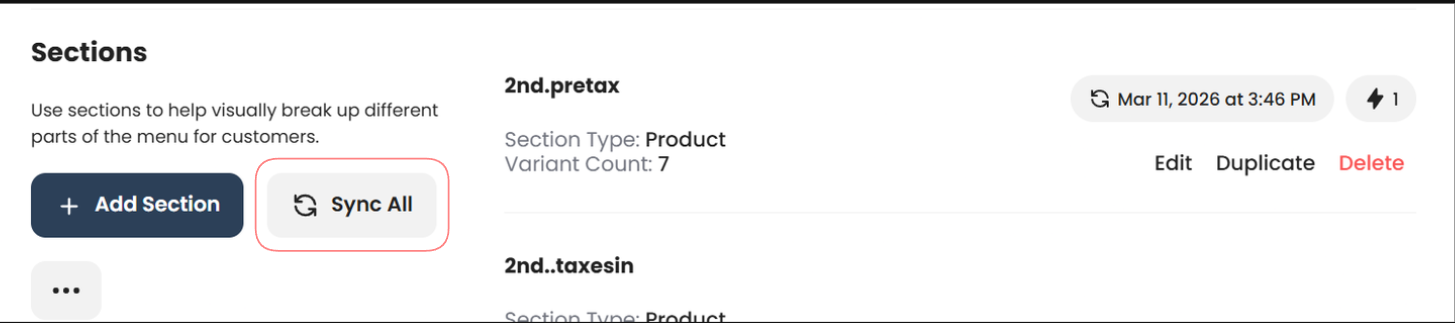
Sync All: Menus > Print or Digital > Select a Menu > Sync All
With BudSense's 2.6 update, Smart Filters can now be synced directly from within any menu using the Sync All button, giving you quicker access to the most up-to-date menus without navigating to Settings.
For Digital Menus, also ensure that you reload the displays after syncing to update your TVs.